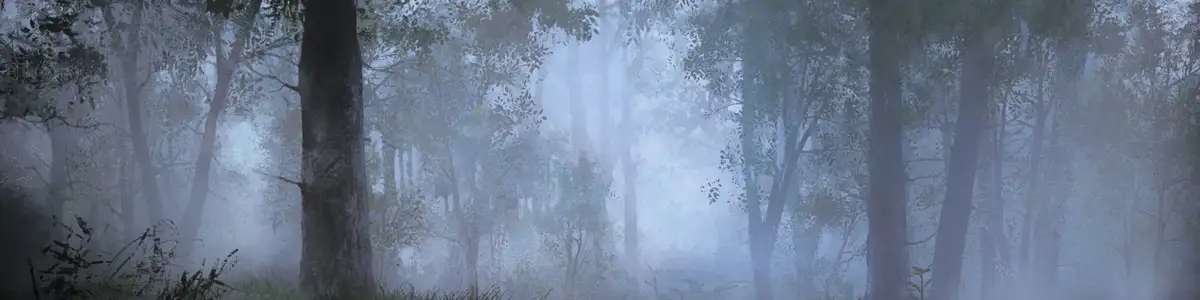
hunt_mystical_animal event IDs
11 events of the hunt_mystical_animal namespace in Crusader Kings III 1.20.0.3. Copy a command and paste it into the console to fire the event for the character you play; add a character ID after it for someone else.
How to use these IDs in the console
- In Steam, add
-debug_modeto the game's launch options (Properties → General). - In the game, open the console with the ` key (§, ~ or ^ on some keyboards).
- Paste the command (
event hunt_mystical_animal.1001) and press Enter. Using the console turns achievements off for that game.
| Command | |||
|---|---|---|---|
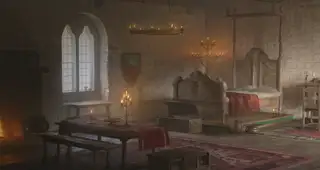 hunt_mystical_animal.1001 hunt_mystical_animal.1001 | The … … | Character | event hunt_mystical_animal.1001 |
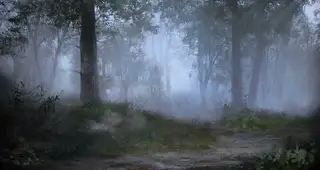 hunt_mystical_animal.1002 hunt_mystical_animal.1002 | The … … | Character | event hunt_mystical_animal.1002 |
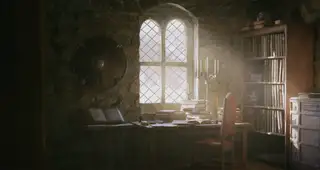 hunt_mystical_animal.1003 hunt_mystical_animal.1003 | The … … | Character | event hunt_mystical_animal.1003 |
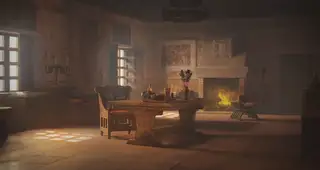 hunt_mystical_animal.1004 hunt_mystical_animal.1004 | The … … | Character | event hunt_mystical_animal.1004 |
| hunt_mystical_animal.1005 | The … … | Activity | event hunt_mystical_animal.1005 |
| hunt_mystical_animal.1006 | The … … | Character | event hunt_mystical_animal.1006 |
| hunt_mystical_animal.1007 | The … … | Character | event hunt_mystical_animal.1007 |
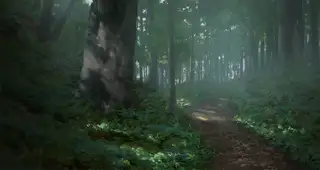 hunt_mystical_animal.1008 hunt_mystical_animal.1008 | The … … | Character | event hunt_mystical_animal.1008 |
| hunt_mystical_animal.1009 | The … … | Character | event hunt_mystical_animal.1009 |
| hunt_mystical_animal.9001 | The … … | Activity | event hunt_mystical_animal.9001 |
| hunt_mystical_animal.9002 | The … … | Character | event hunt_mystical_animal.9002 |
Each picture is the background the event window shows by default (the event's override_background or its theme; some backgrounds change with the culture or place in play). Hidden events open no window.
Source: game/events/story_cycles/story_cycle_hunt_mystical_animal_events.txt and the English localisation, Crusader Kings III 1.20.0.3. A title with “…” names a character or place the game fills in when the event fires.